Português Free download
Free and ad-free · Made for you and your team

OZNI Music NEW

OZNI Music was created to help musicians, bands, students and worship teams study, play and get more out of every song. Split instruments, find the key and the chords, adjust the speed and organize your setlists in one place.

Your input makes a difference. Help OZNI Music keep improving. Share your suggestions, tips and feedback so we can build an ever better tool for you and your team.

Explore your songs in a new way. Choose below the tool that fits what you need.

Available for iPhone, Android and Windows. Choose your device and download the free trial version.

OZNI Music
For learners

Pick a song you like and learn to play it

Study each part of it, at your own pace, until you can play along.

Hear each instrument

Find the key and the chords

Practice at your pace

See how to play

Tune and record

Lyrics with chords

Learn more
  • Hear each instrument. Split the song into vocals, drums, bass, piano and the rest. Mute your instrument and play in its place.
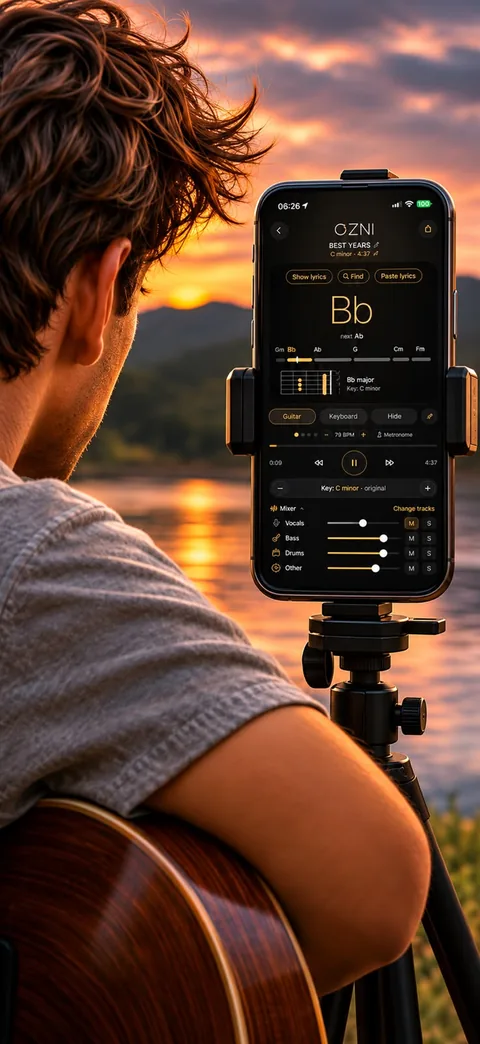
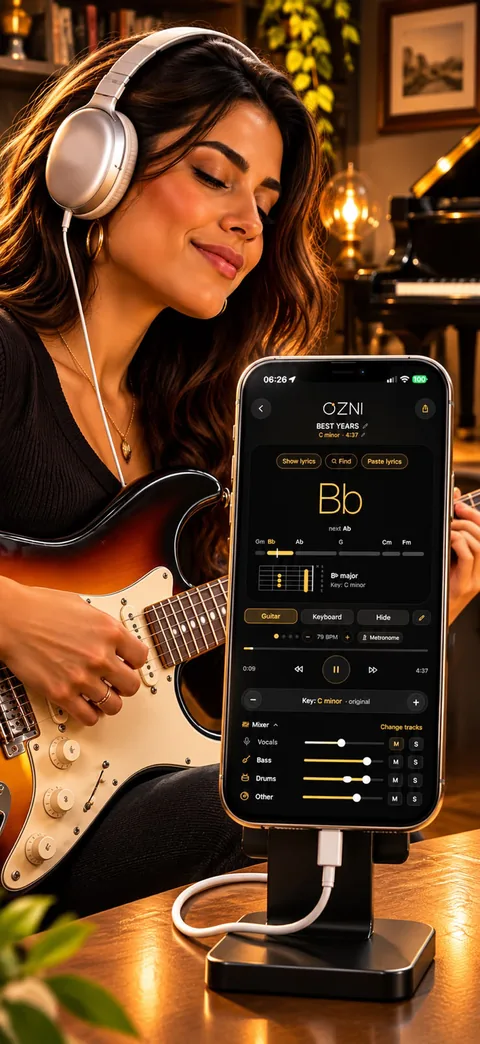
  • Find the key and the chords. OZNI shows the key of the song and the current chord, with the next one. Change the key and the chords follow.
  • Practice at your pace. Slow the song down without changing the key, with a metronome, until your hands catch up.
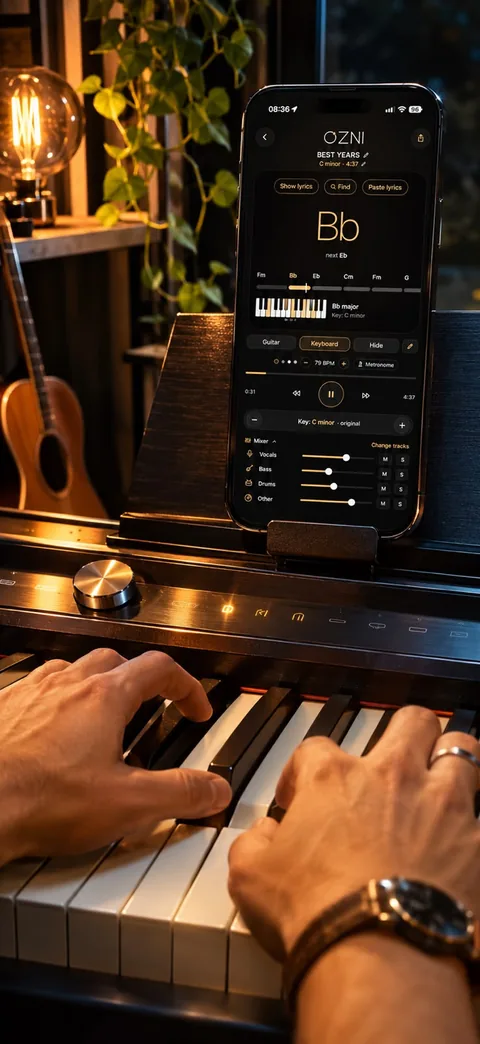
  • See how to play. Every chord drawn on the guitar neck and on the keyboard, and a chord course in all 12 keys.
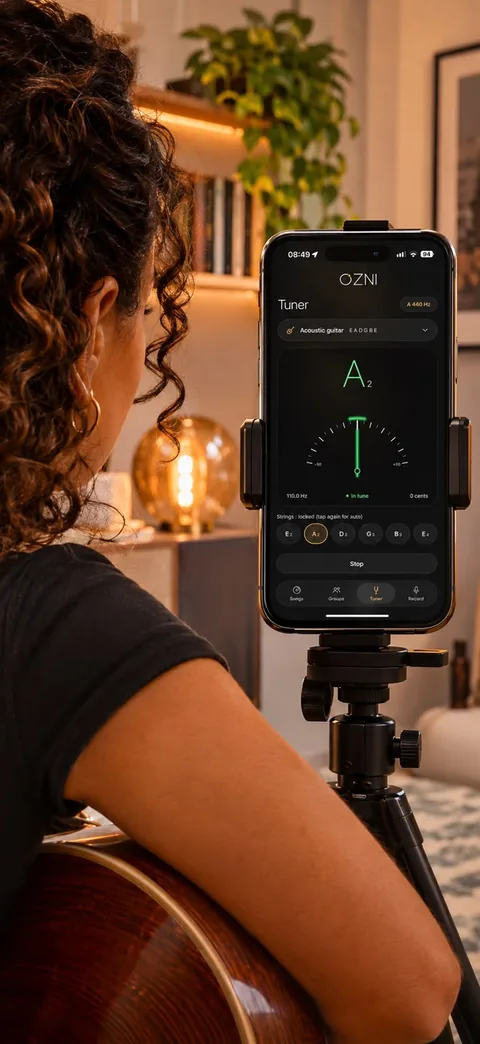
  • Tune and record. A tuner that listens through the microphone. Record while you play or sing and see the key and the notes.
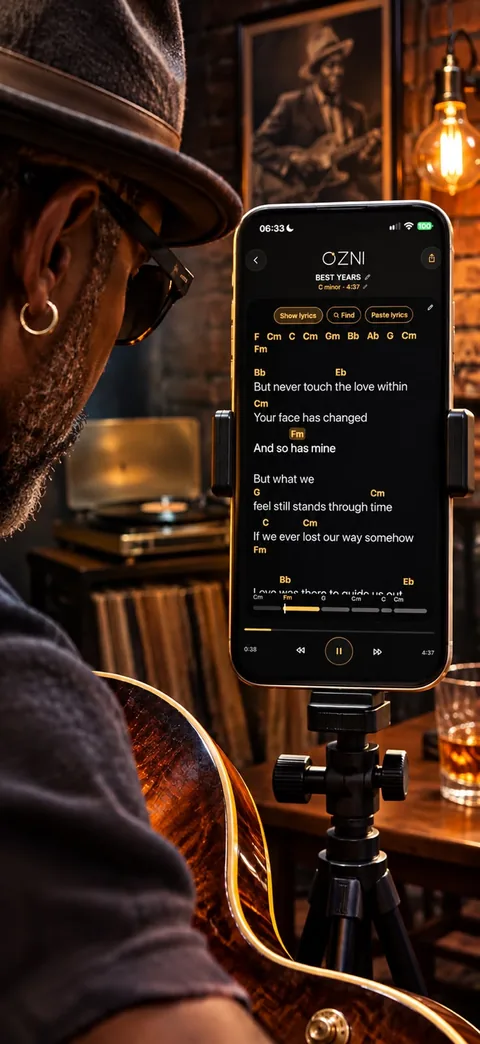
  • Lyrics with chords. The lyrics written along with the song and a chord sheet ready to study alone or with your band.

The OZNI Music app on your phone NEW
iPhone and Android, with the songs on your phone.

The OZNI tuner on a phone on a tripod, next to a guitar player
The tuner, for your guitar
The chord drawn on the guitar neck, with the song playing
The chord on the guitar neck
The same chord drawn on the keyboard, with the phone on the piano
And on the keyboard
The lyrics with the chords above
Lyrics with chords
Playing guitar along with the song, with headphones and the tracks split
Play along, with the tracks split
Learn more
  • Shows the key and the chords of a song, and how to play them on guitar and keyboard.
  • Moves the key up or down, with the chords following.
  • Splits the tracks: vocals, drums, bass and the rest. As an option, also piano and keys.
  • Changes the speed for practice without changing the key, and has a metronome.
  • Writes the lyrics along with the song.
  • Tuner, and recording through the phone's microphone: while it records, it shows the key of the song and the notes that are sounding, even with one person singing with no instruments.
  • Opens songs from your phone and takes the sound out of videos.
  • Groups to chat and share the chord sheet of each song.

OZNI Chords NEW

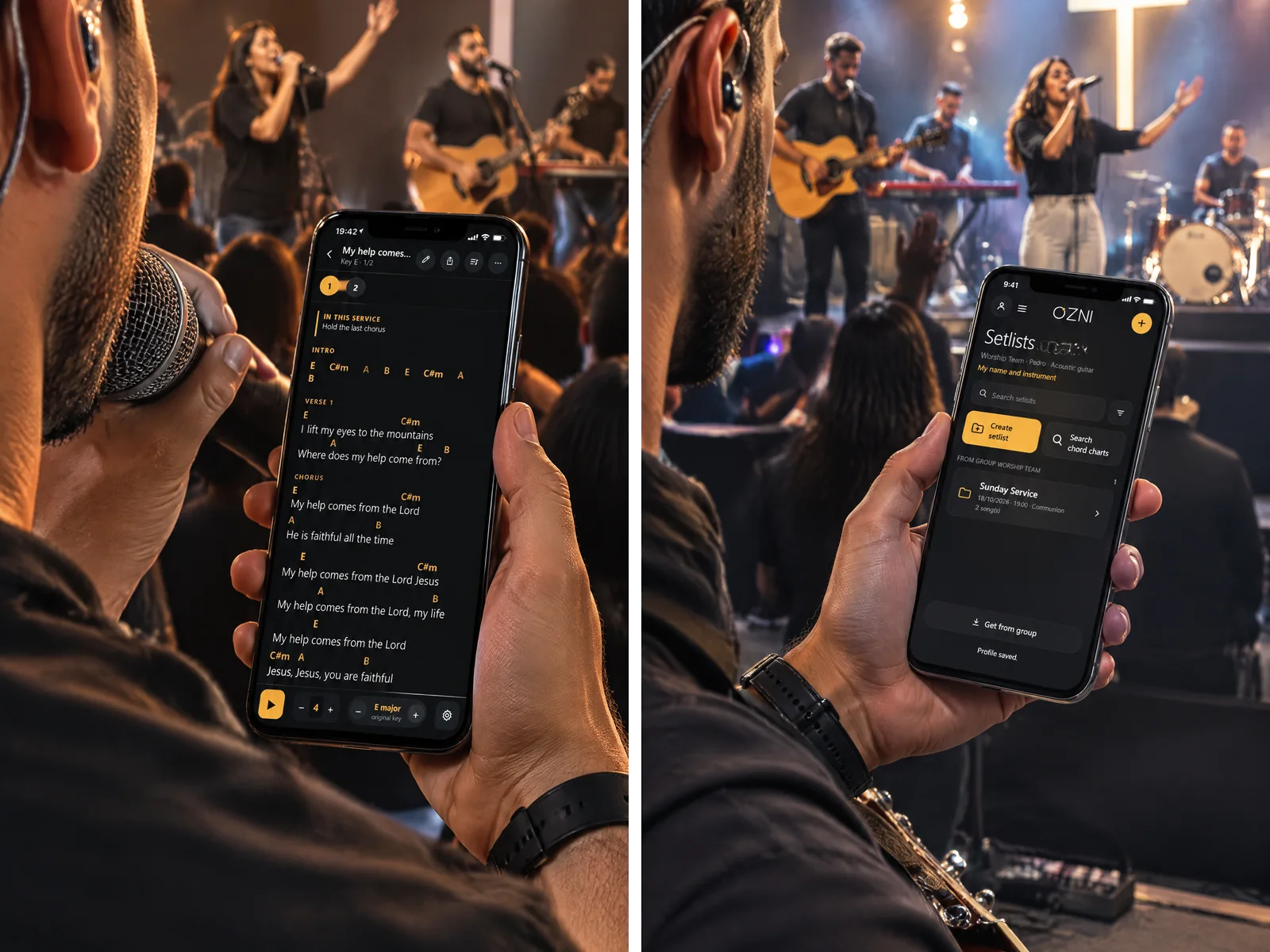
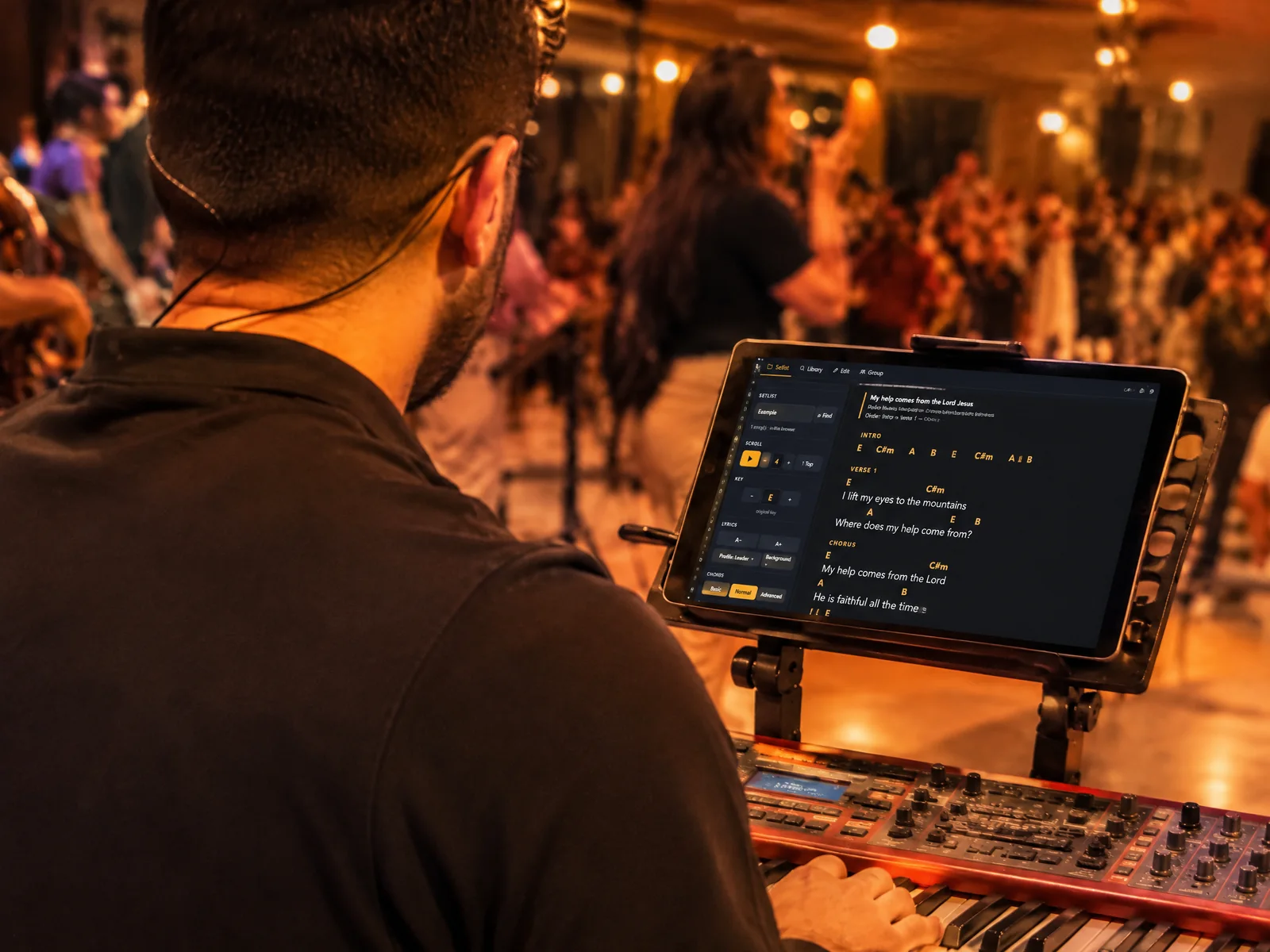
On the phone too: the chart and the setlists
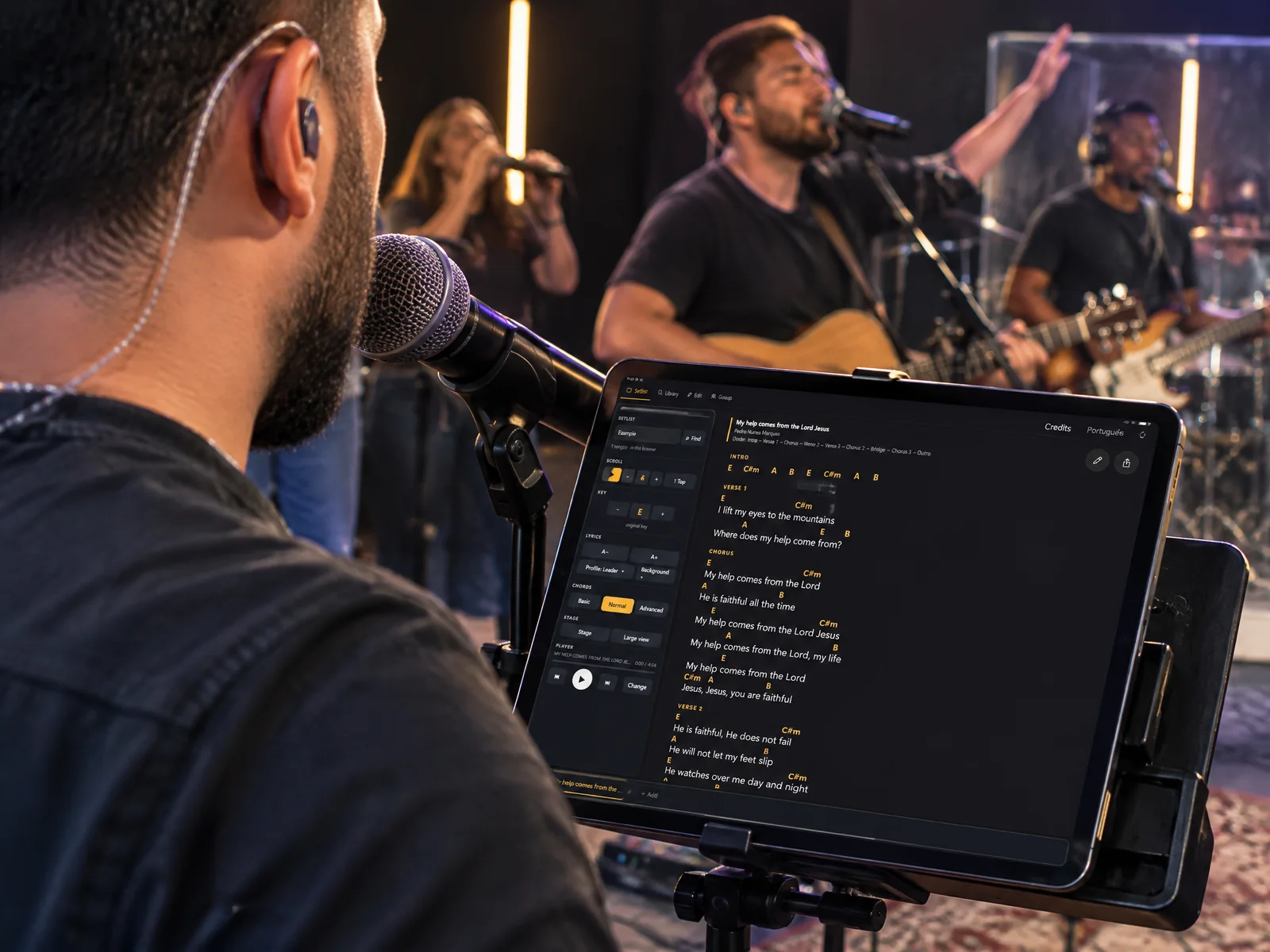
Singers follow the lyrics with the chords
On stage, the tablet on the drum stand
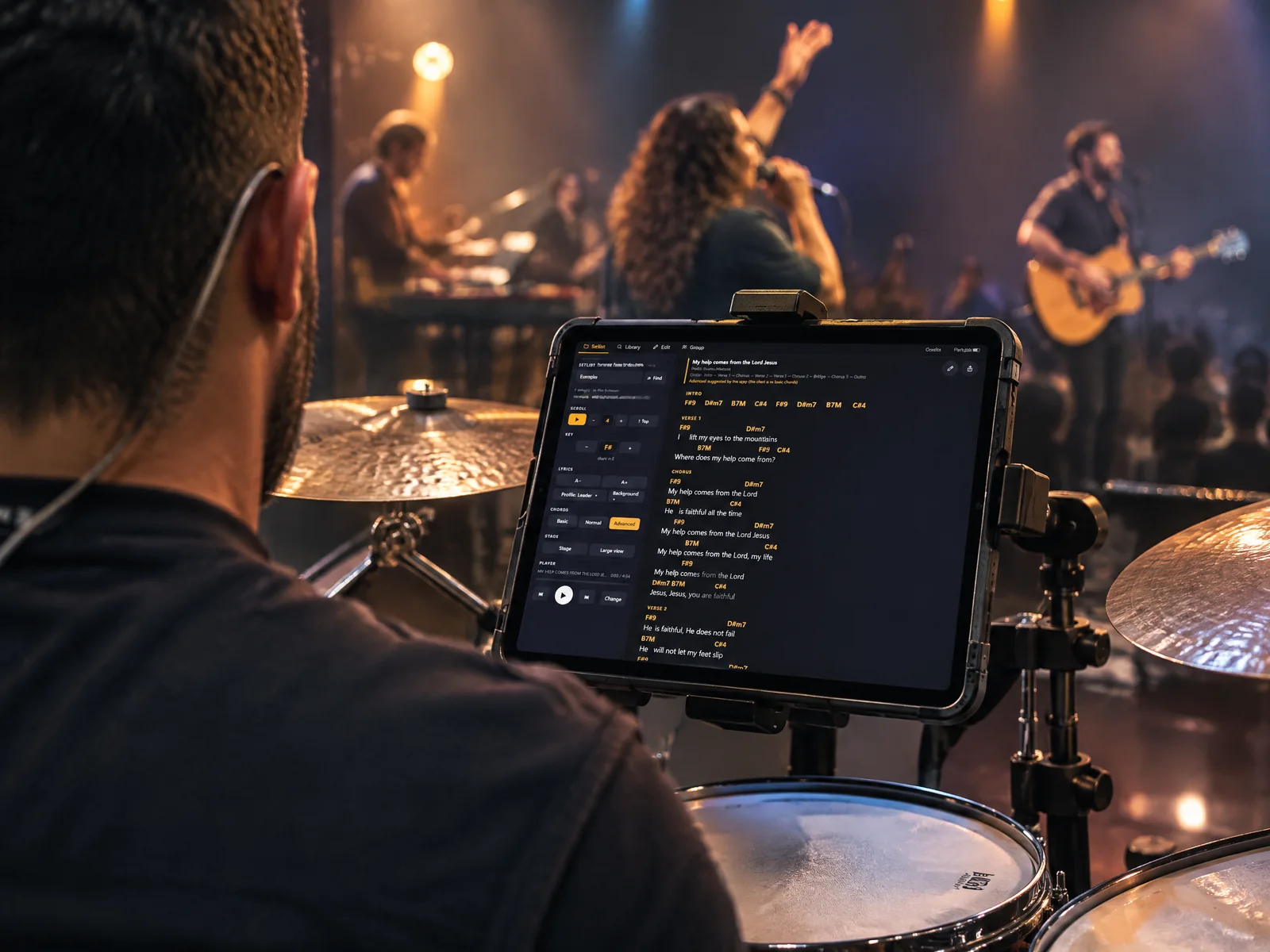
The keyboard player with the chart in front

OZNI+ Spectrum NEW

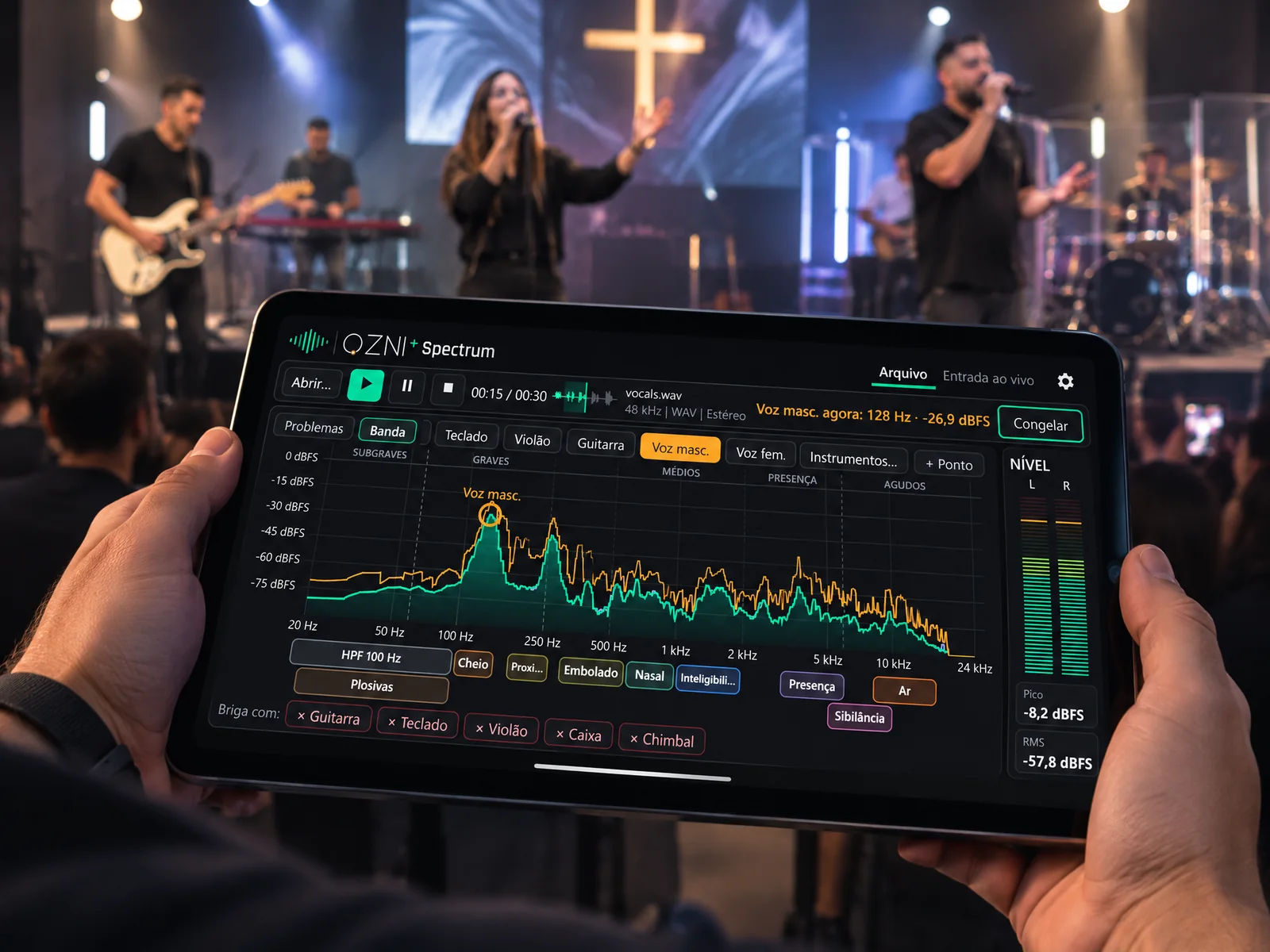
The band's spectrum on the tablet, during the service
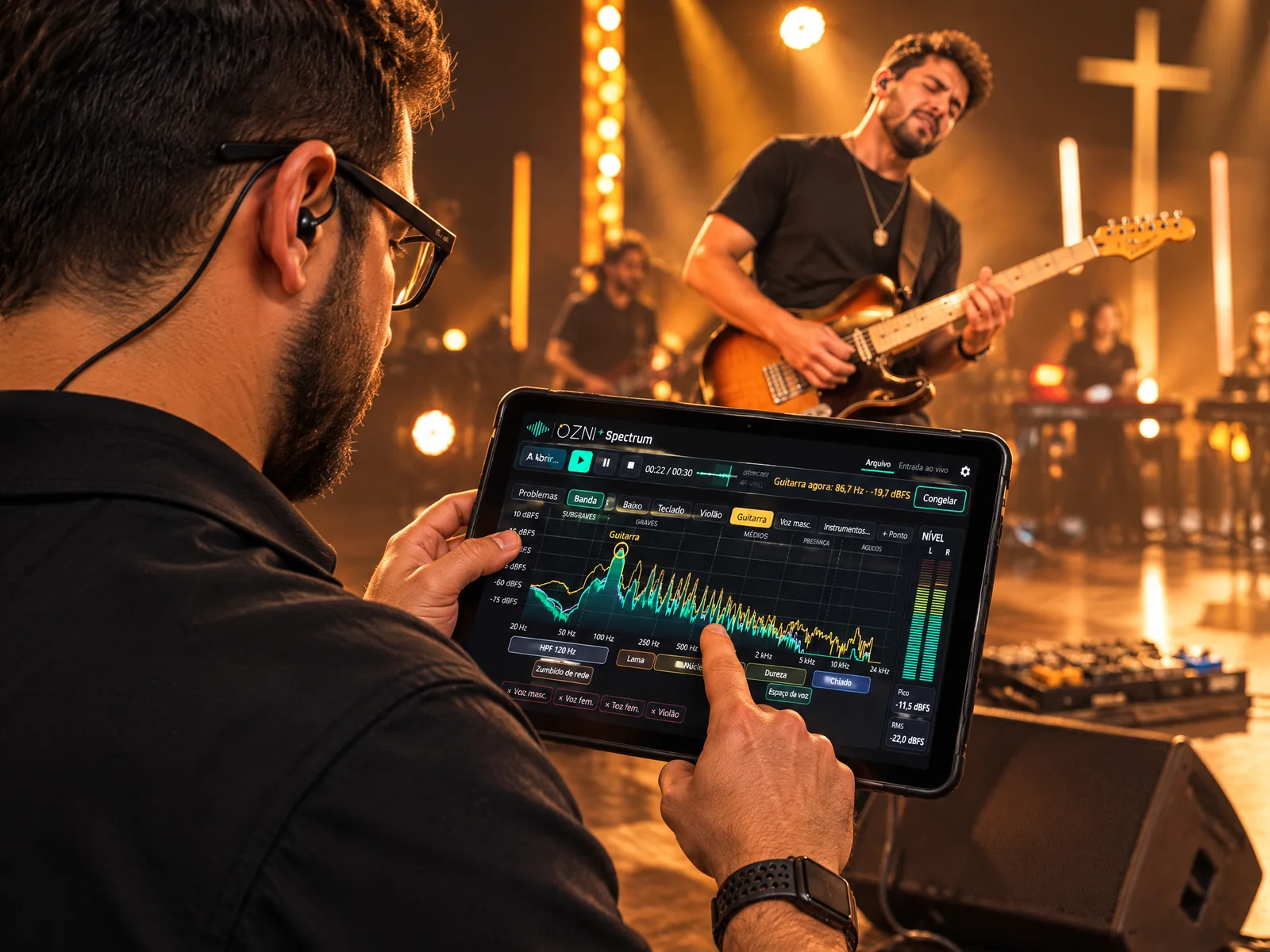
Guitar on stage: where it is getting too heavy
Live, the region of each instrument in the band
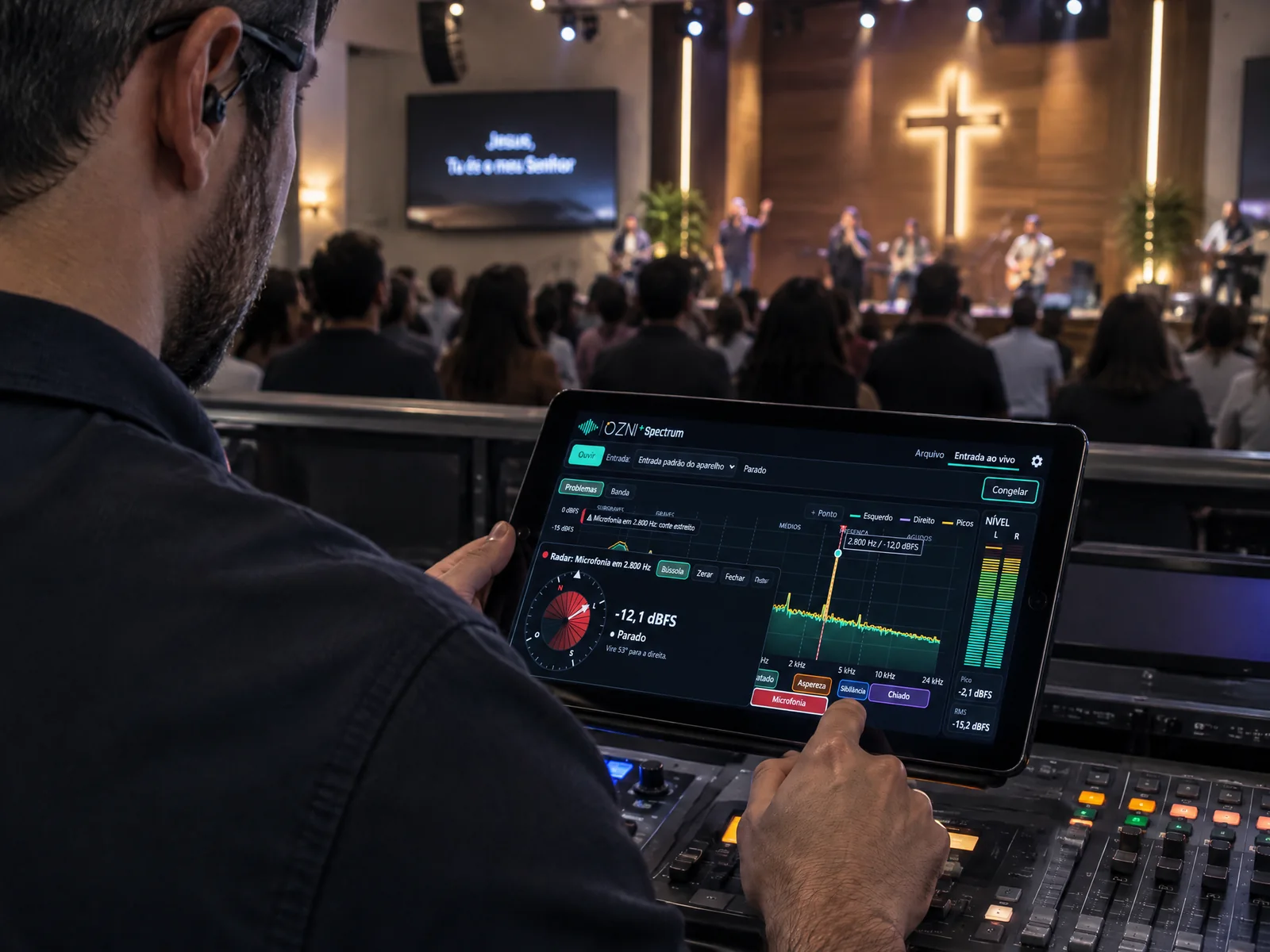
At the mixer: the feedback warning and its frequency

OZNI+VS NEW

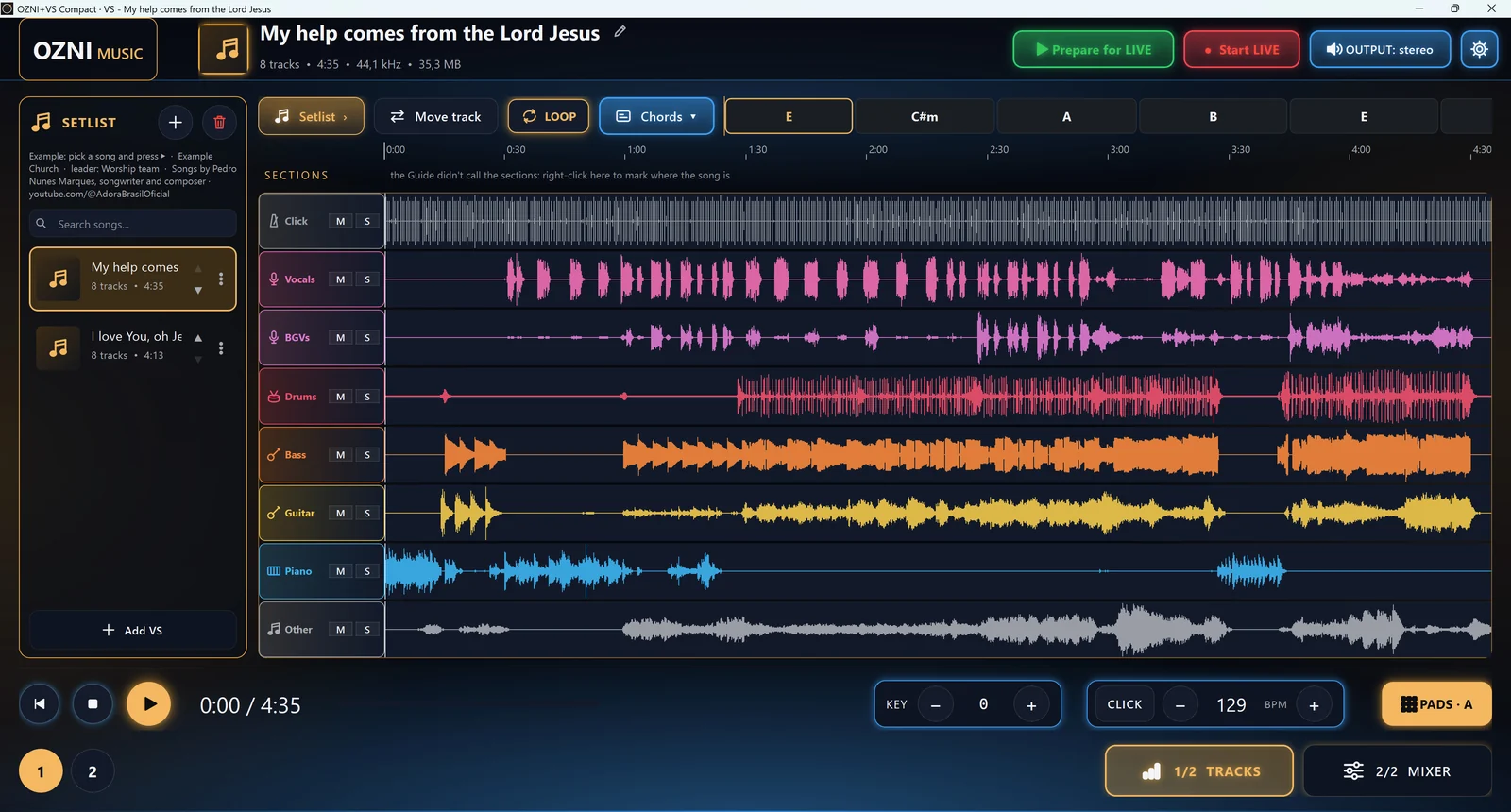
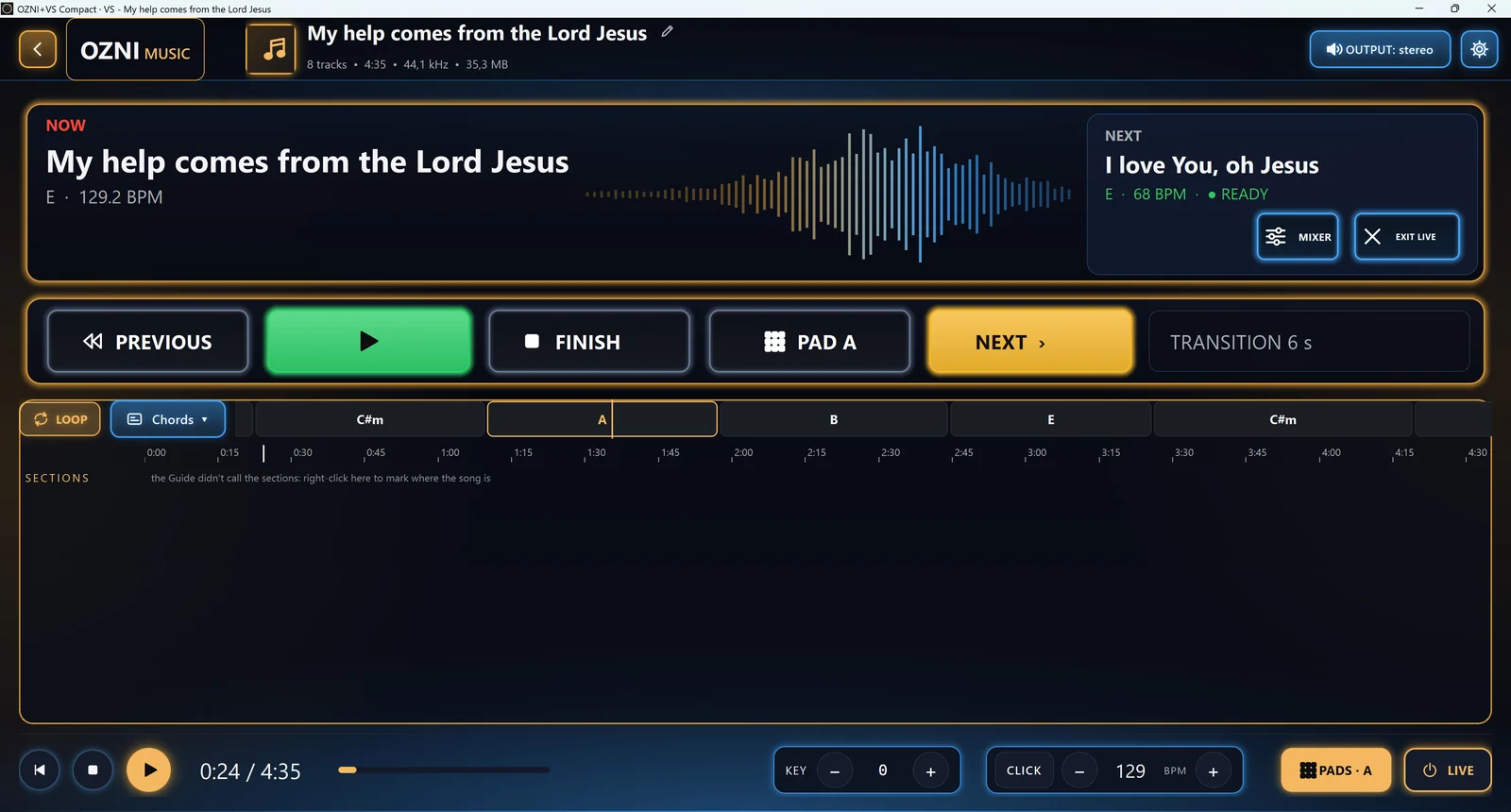
The song's tracks and the setlist
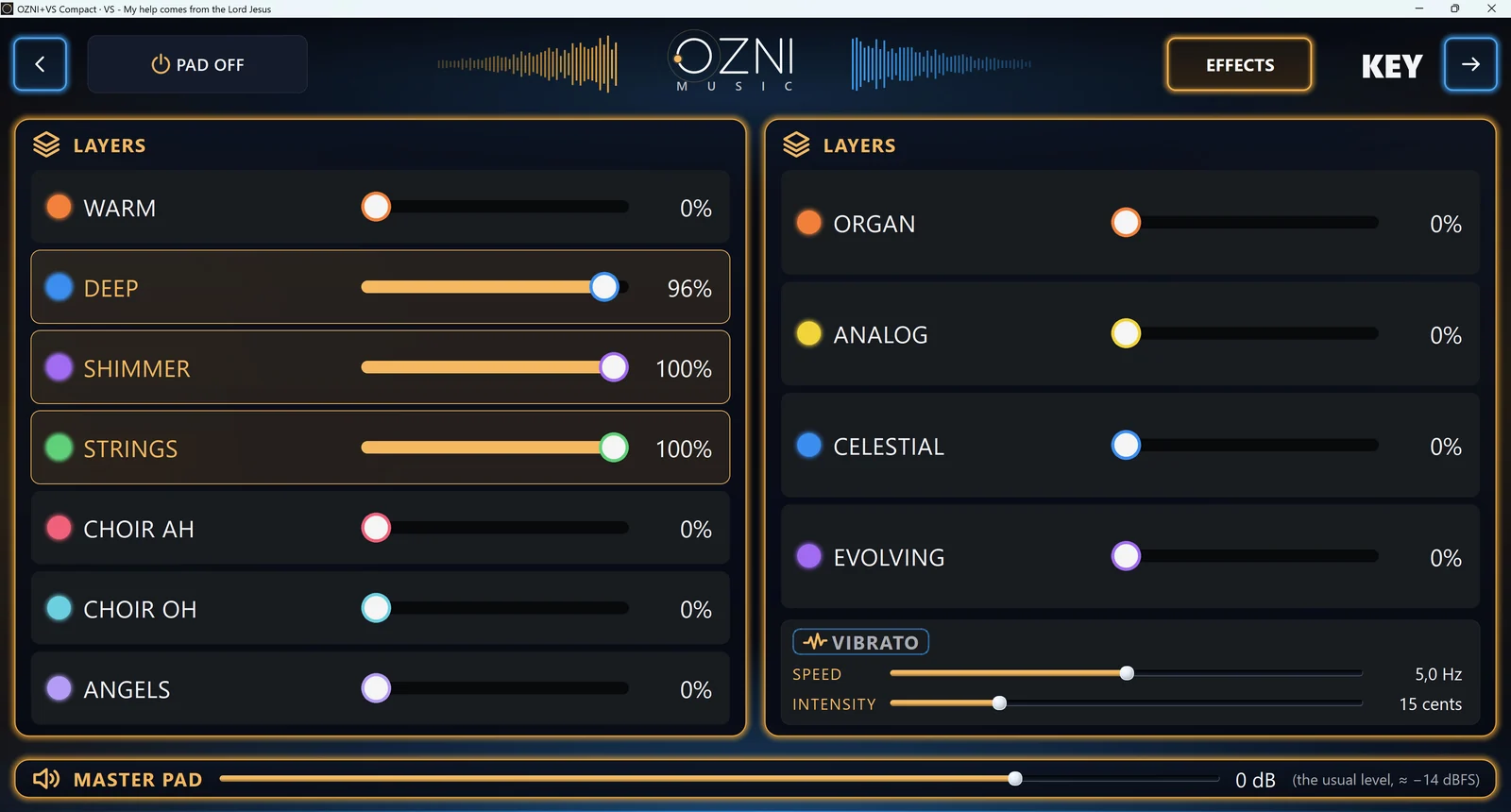
The layered pad, in key
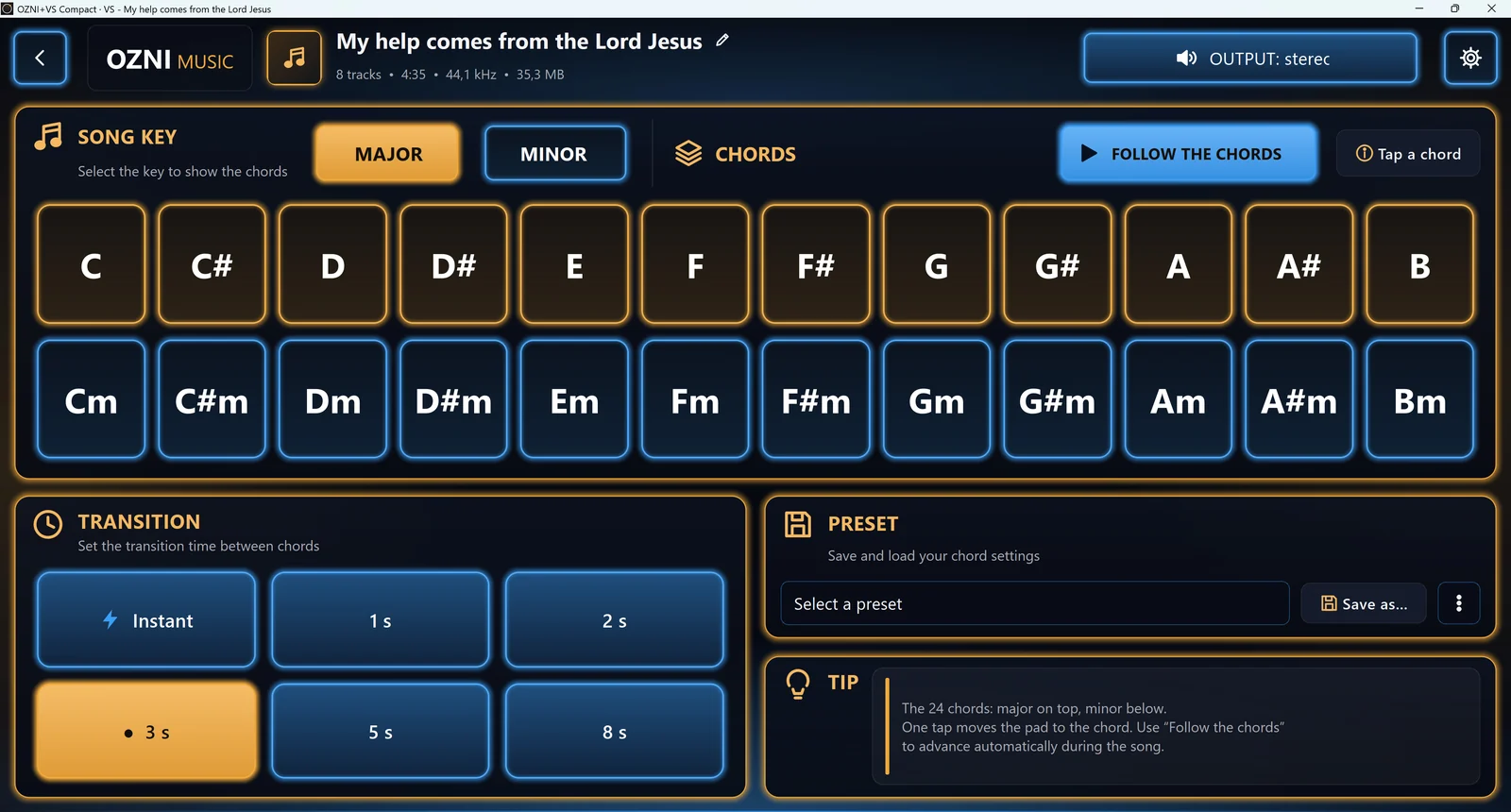
The pad's chords
The pad's chords
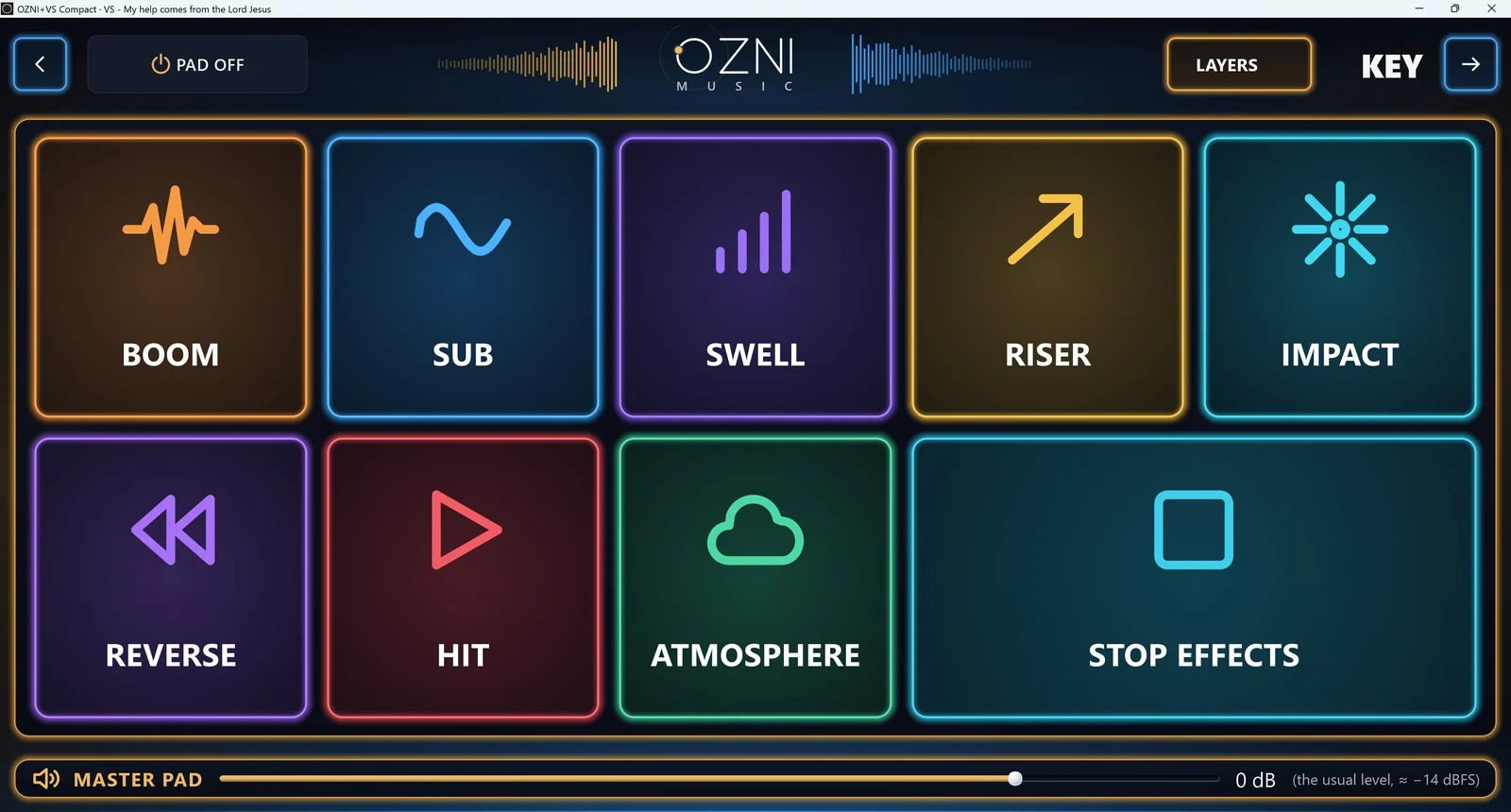
The pad effects
The pad effects
The service screen (LIVE)
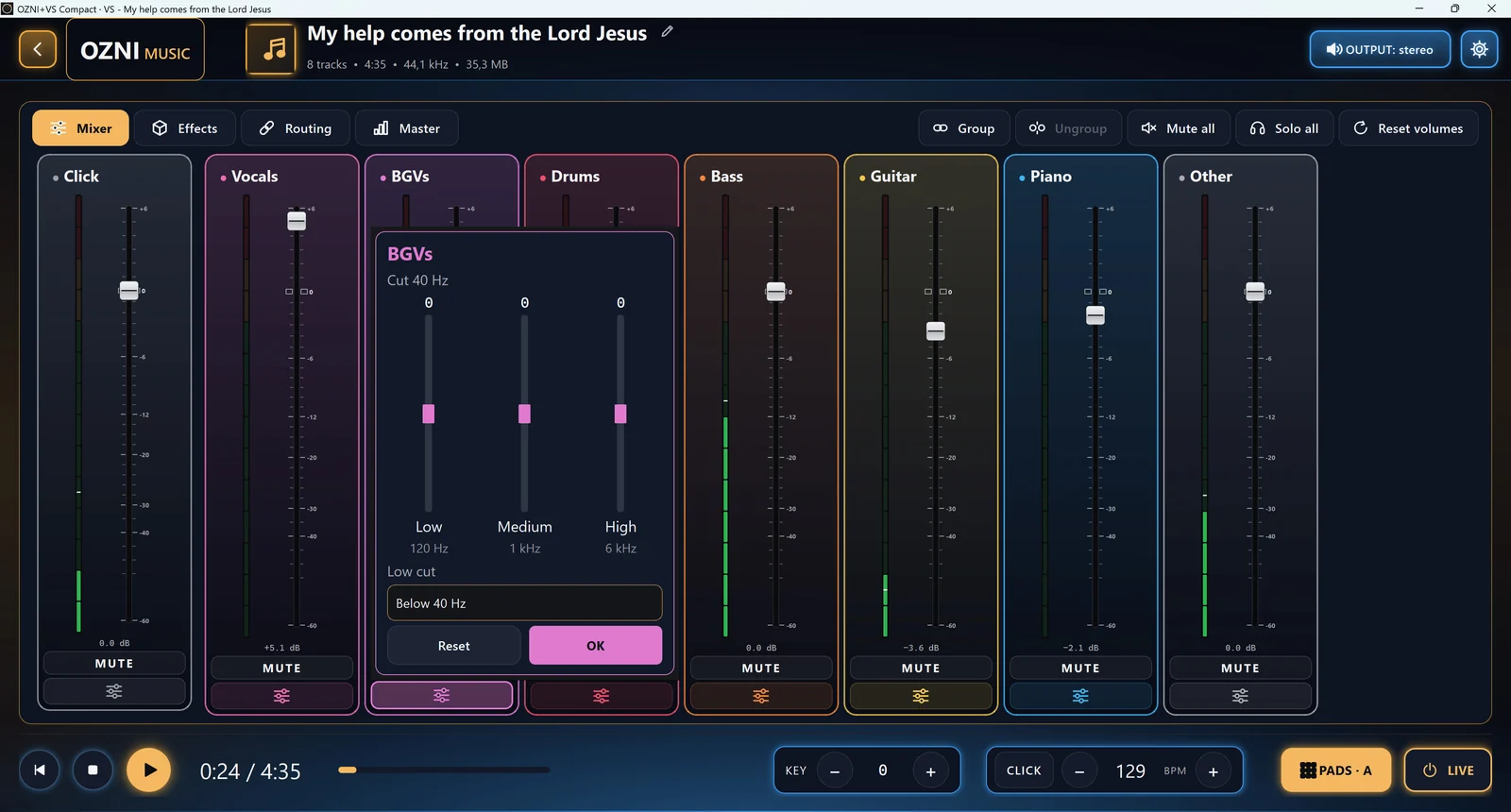
The mixer, with each track's filter

Community

The people who use OZNI help shape it

You can test new versions, tell us what helped your practice and suggest what is missing.

Test before everyone else
Study as a group
Help us improve
Learn more
  • What musicians, students, teachers and worship teams ask for helps decide what goes into the next versions. Every comment is read.
  • Test before everyone else. Join the testing group and get new versions first.
  • Study as a group. Share the chord sheet of each song and chat with your band inside the app.
  • Help us improve. Tell us what worked, what didn't and what you missed.

Apps

The programs

All of them are free and have no ads. Download the trial version for the device you use. The Windows programs are in Portuguese for now; English arrives with the next update.

OZNI Music NEW

Phone and computer

Splits the instruments, shows the key and the chords and changes the speed so you can study the song part by part.

Learn more

How to install on iPhone

  1. On the iPhone itself, tap iPhone, under OZNI Music, above.
  2. The App Store opens on the OZNI Music page: tap Get (it's free).

Updates arrive through the App Store. The first time you split tracks, the app downloads another 227 MB: use Wi-Fi.

How to install on Android

  1. On the Android phone itself, tap Android, under OZNI Music, above.
  2. The Play Store opens on the OZNI Music page: tap Install (it's free).

Requires Android 7.0 or later. Updates arrive through the Play Store. The first time you split tracks, the app downloads another 227 MB: use Wi-Fi.

The OZNI Music program for Windows NEW

To split, clean up, mix and study on the computer, on a big screen.

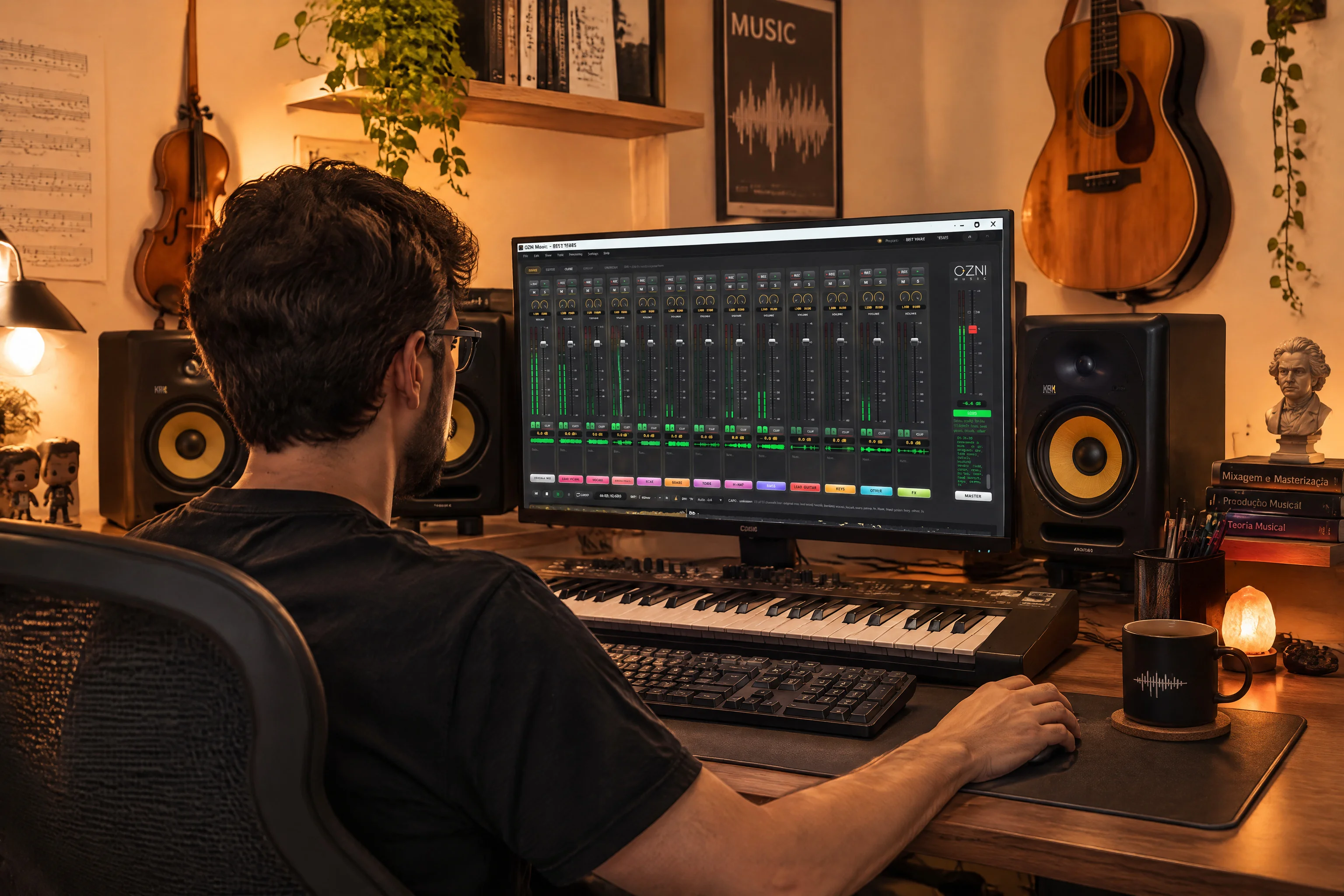
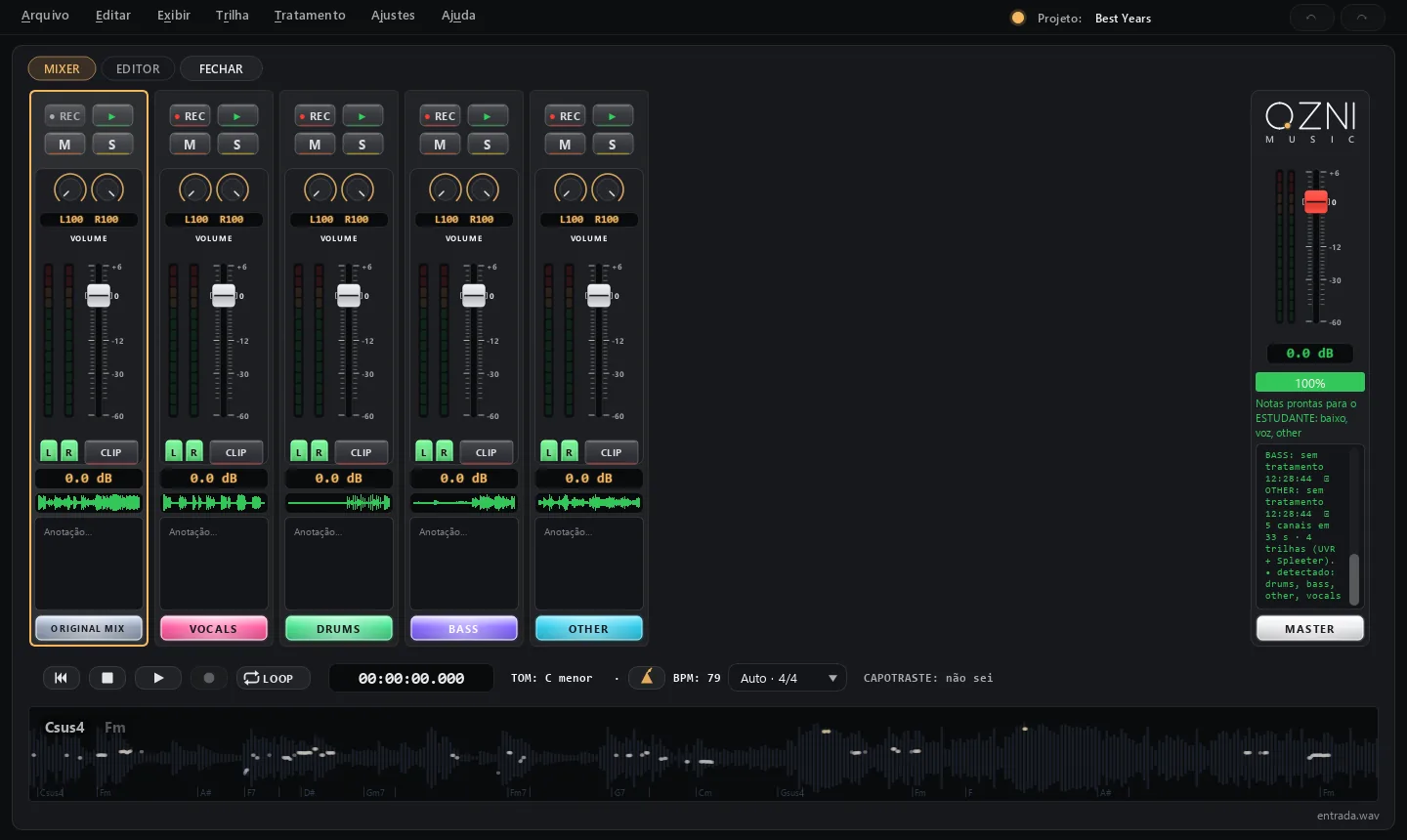
The OZNI mixer on Windows, with the song split into six tracks
The song split into tracks, on a mixing desk
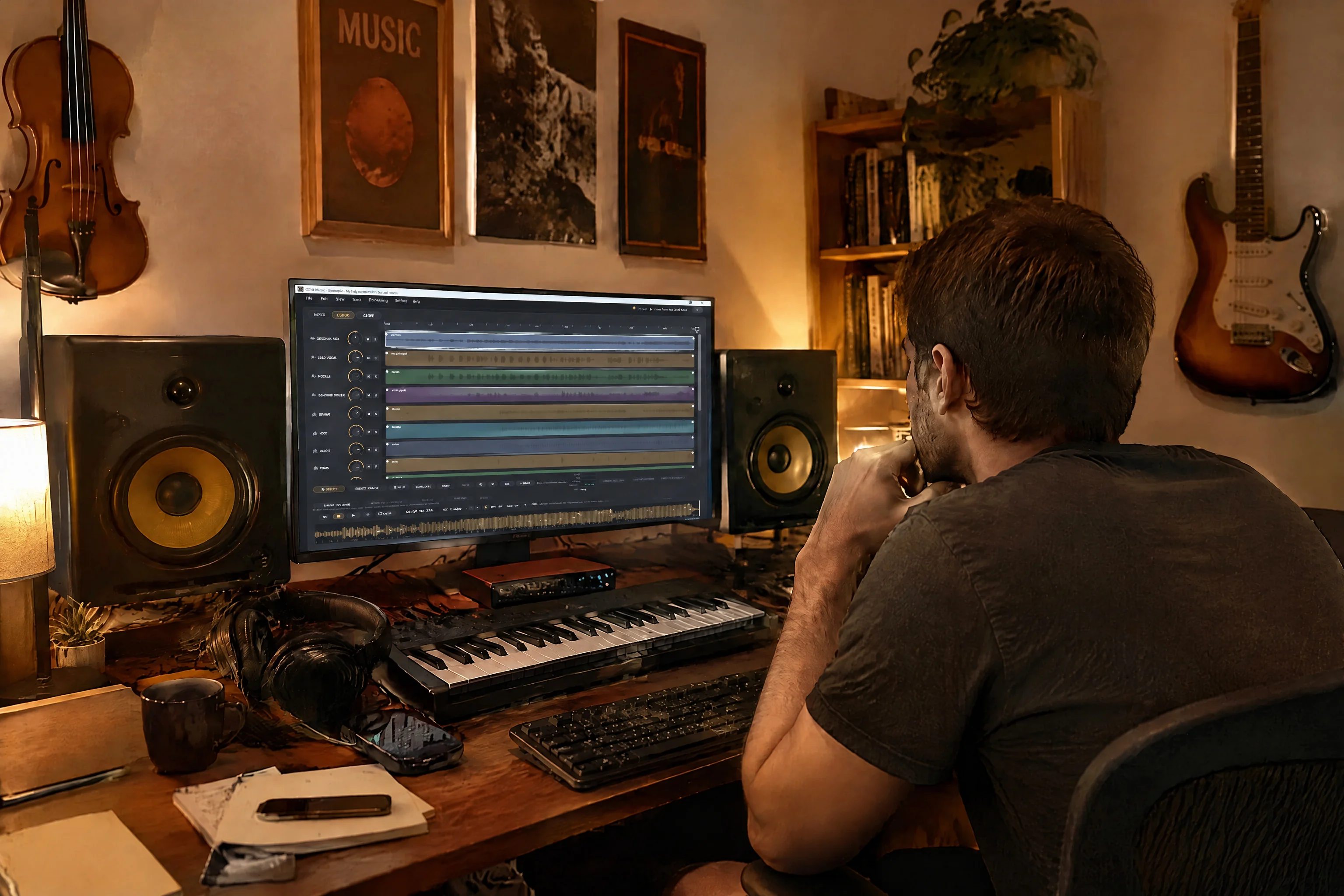
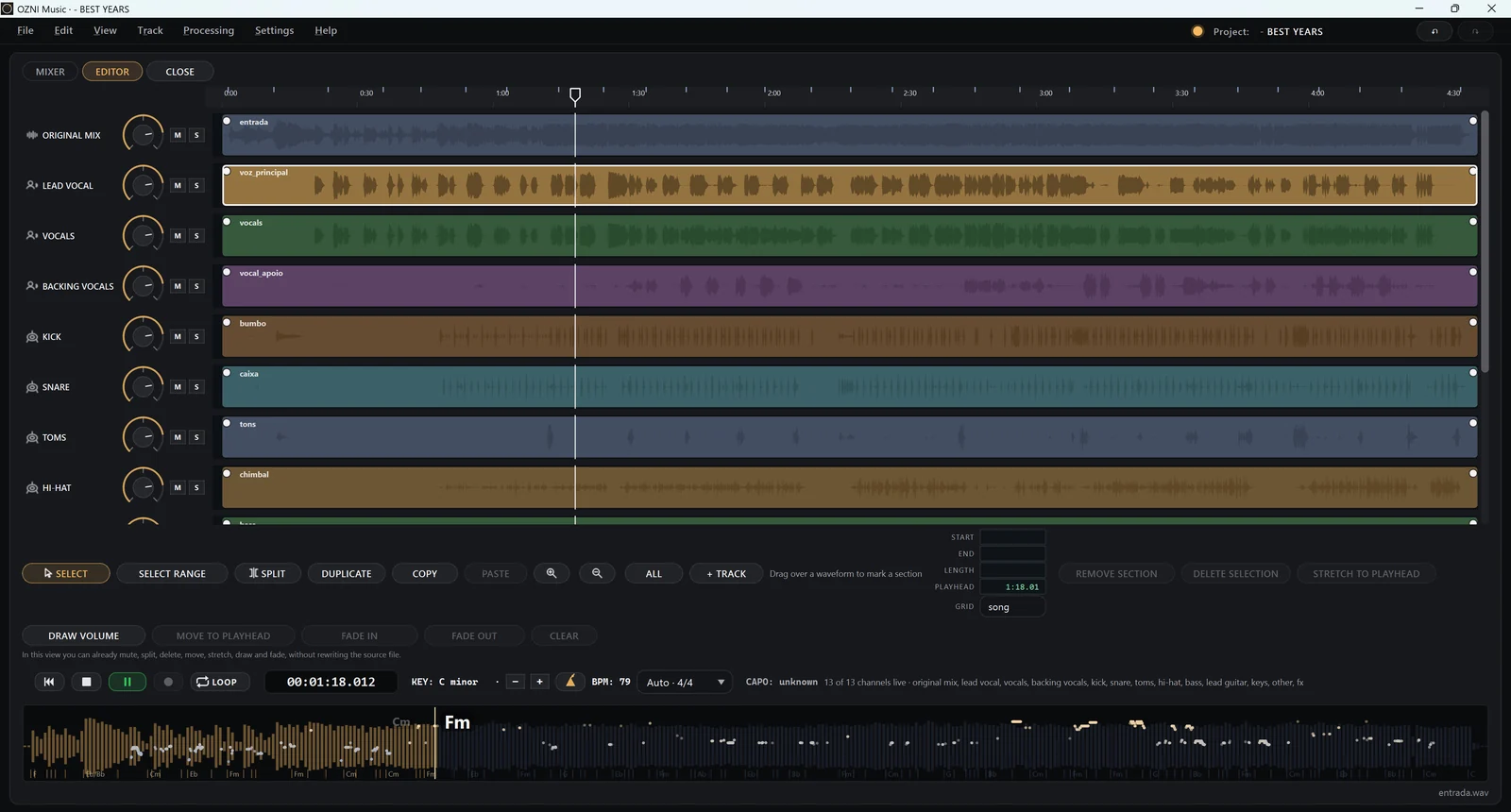
The Editor: the tracks side by side to split, move, draw volume and fade
Editor: split, move and fades
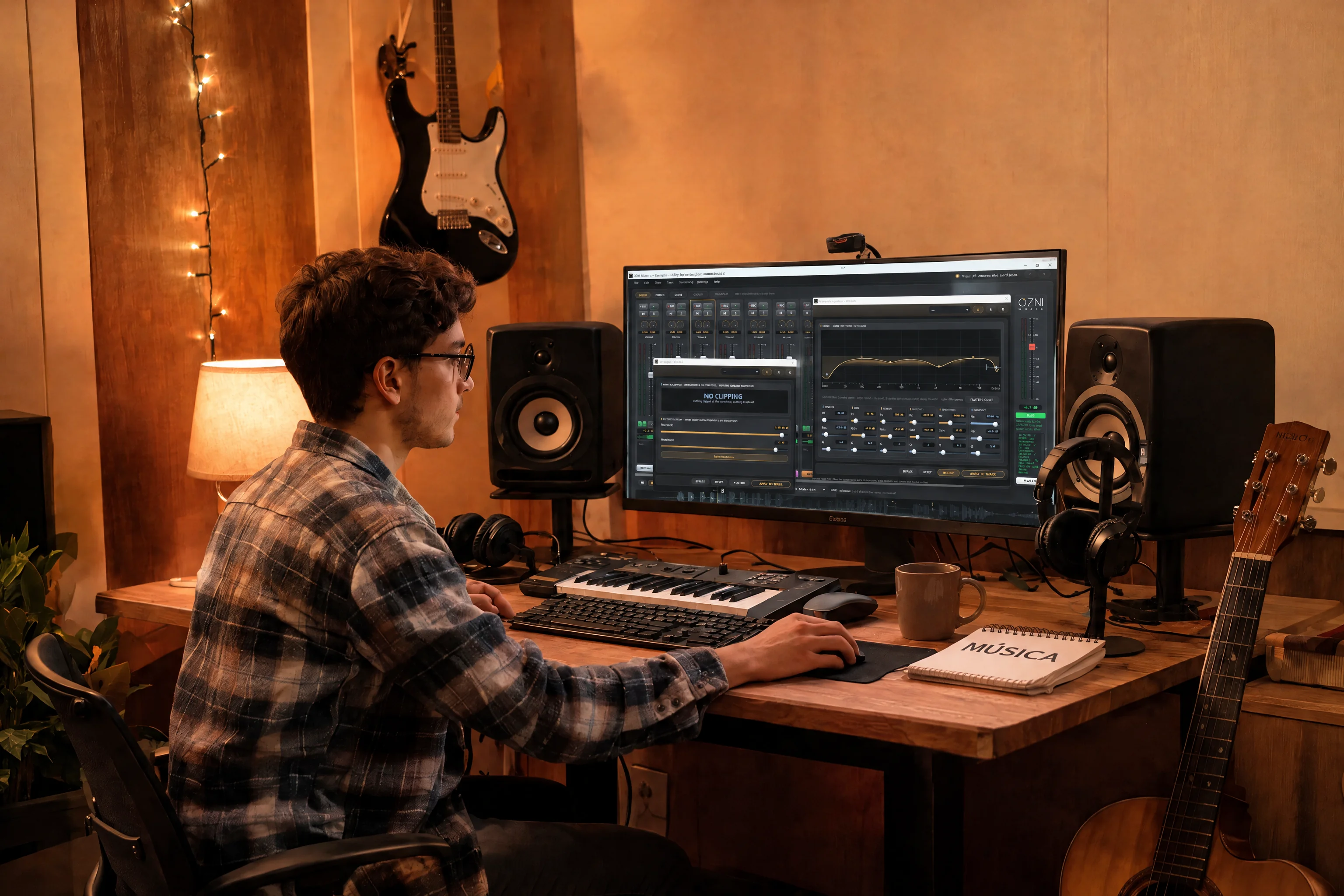
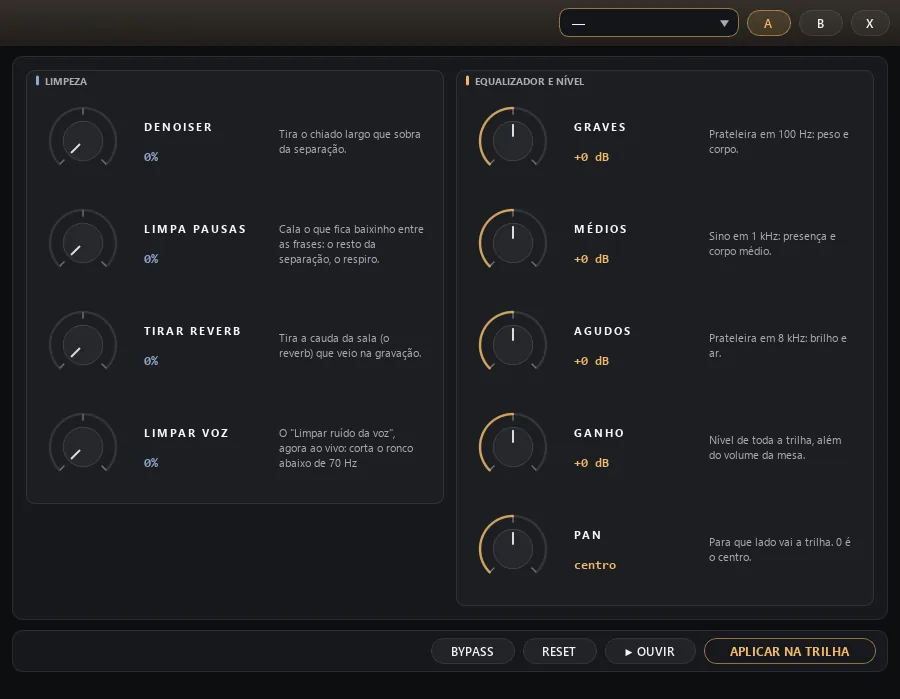
Quick treatment: noise cleanup, low, mid, high, gain and pan
Quick treatment, heard right away
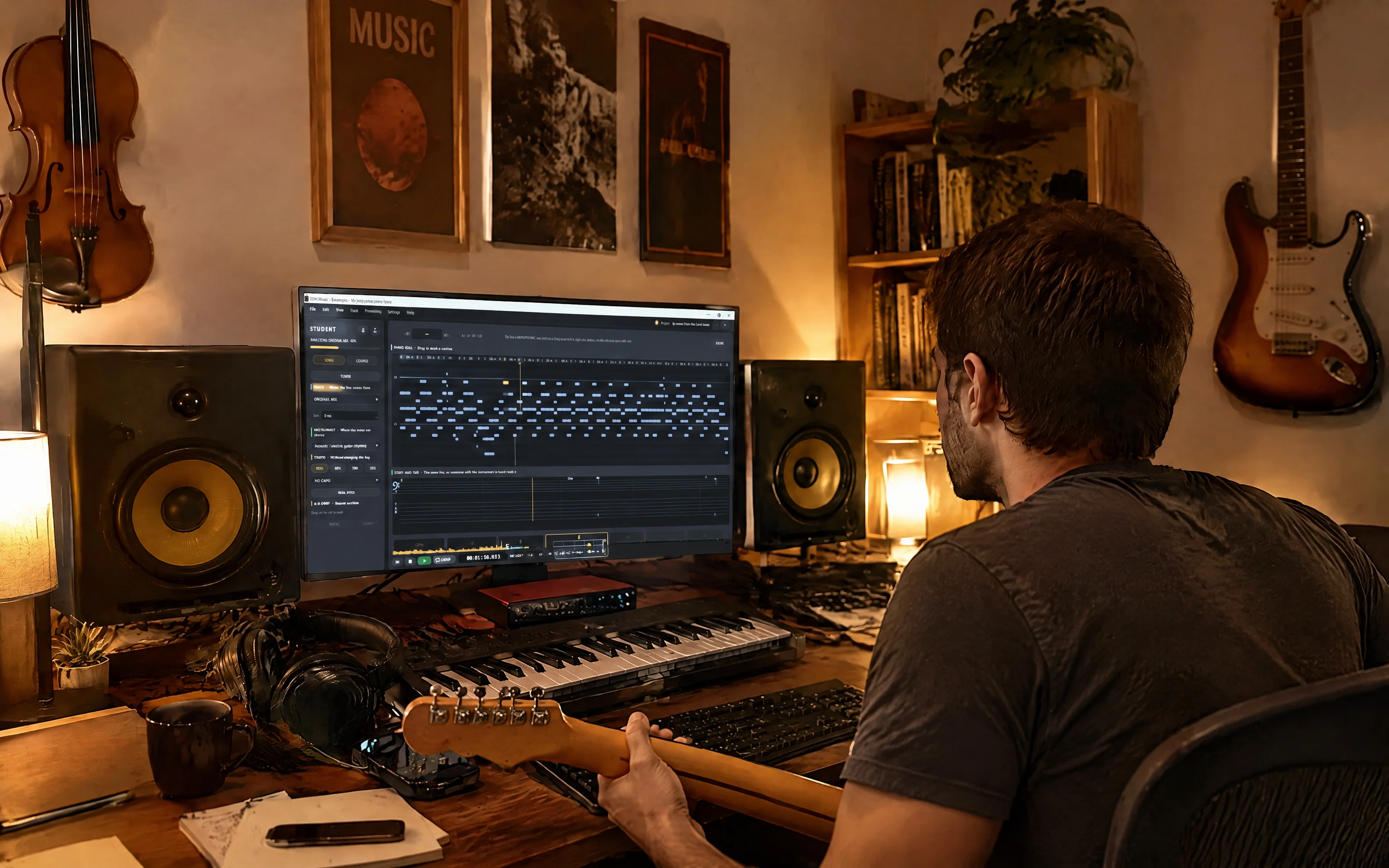
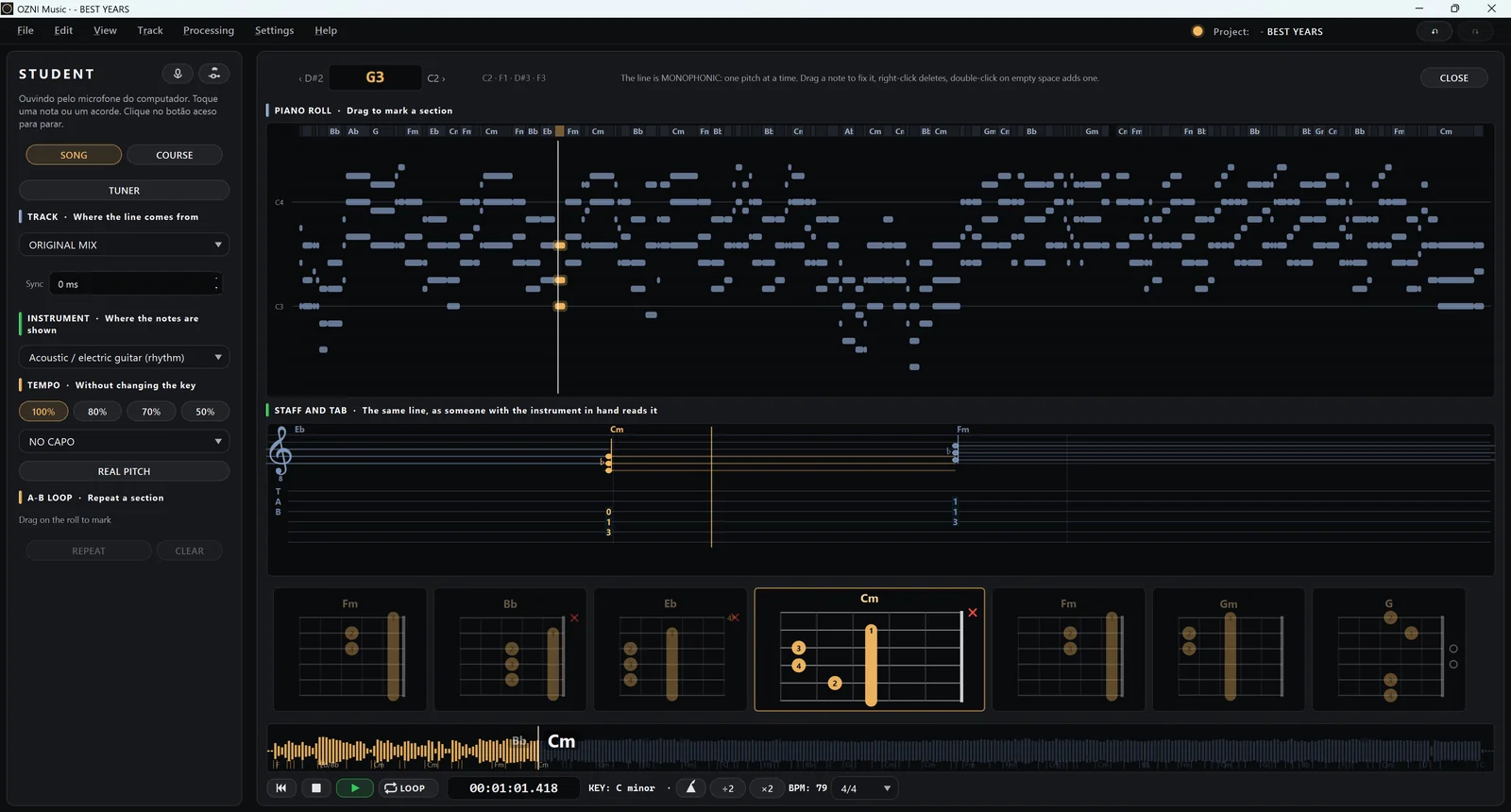
The Student page: the notes, the staff with tablature and the chords on the guitar neck
Student: notes, staff and chords
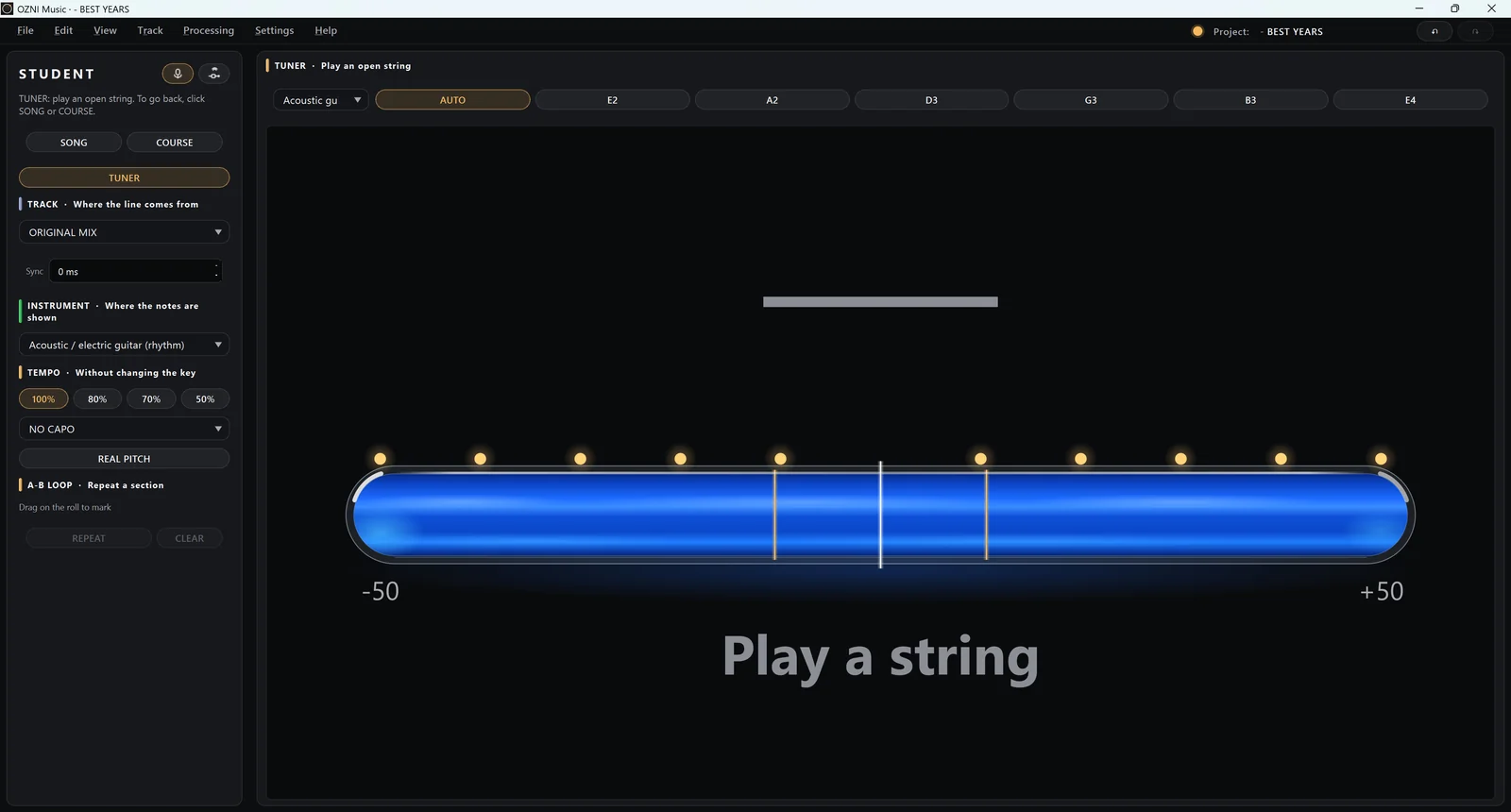
The Student tuner, through the microphone
Tuner through the microphone
  • Splits the song into tracks (vocals, drums, bass, piano and the rest) and mixes them on a mixing desk.
  • Cleans and adjusts the sound of each track (hiss, reverb, bass and treble), on the whole track or just a part.
  • Cuts, moves and fades in the editor; records through the microphone.
  • Student: key, chords and notes on the guitar neck or the keyboard, at any speed.
  • A chord course in all 12 keys and a microphone tuner.

See the full manual, with pictures (in Portuguese)

How to install on Windows

  • Version: 0.1.4
  • Size: 3,25 GB (use a fast connection)
  • Requires: Windows 10 or 11, 64-bit
  • Release date: 08/11/2026
  1. Click Windows, under OZNI Music, above, on the computer.
  2. If the browser says the file "isn't commonly downloaded", choose Keep (or download anyway): it's a new program, not yet digitally signed, and the warning goes away over time.
  3. Open the downloaded file. If you see "Windows protected your PC", click More info and then Run anyway.
  4. Follow the steps and open OZNI from the Start menu. The first time it takes a little longer to open: it is preparing and opening an example song, already split into tracks, for you to try.

This is a trial version: it works for 30 days from installation.

To check that the installer has not been changed, its SHA-256 fingerprint:

487d24605cb863562bd54592d42407f5b2f9d49aff73fc2eb20f579e0bb48e41

OZNI Chords NEW

Computer, web and phone

Your band's chord sheets and setlists in one place: every musician follows along in the right key, with large lyrics and auto-scroll.

Learn more

iPad and iPhone app: install Apple's TestFlight app from the App Store, then tap iPad or iPhone above. The app is under review at Apple; if the beta says it is not accepting testers, try again in a few days. Android app: download it directly here; it is under review on Google Play and will be there too once approved.

How to install on Android
  1. Tap Android above and download the .apk file.
  2. Open the downloaded file, from the download notification or the Downloads folder.
  3. If the phone asks, tap Settings and allow installing apps from this source (the browser). Go back and tap Install.
  4. If a Play Protect warning appears, tap More details and then Install anyway.

The warning appears for any app installed outside the Play Store; it is normal. The file is built and signed by us: no viruses, no ads. To check the file, its SHA-256 is 38e1c58af726ef5319b279893511987e548b9d47206f1a446efdfce67f284243.

OZNI Chords

Chord sheets and setlists for worship, on the computer and on the phone.

OZNI Chords gathers the church's chord sheets in one place. The leader builds the service setlist, and each musician opens it on their own device, in the right key and with auto-scroll. It comes with a library of hundreds of chord sheets, open to everyone.

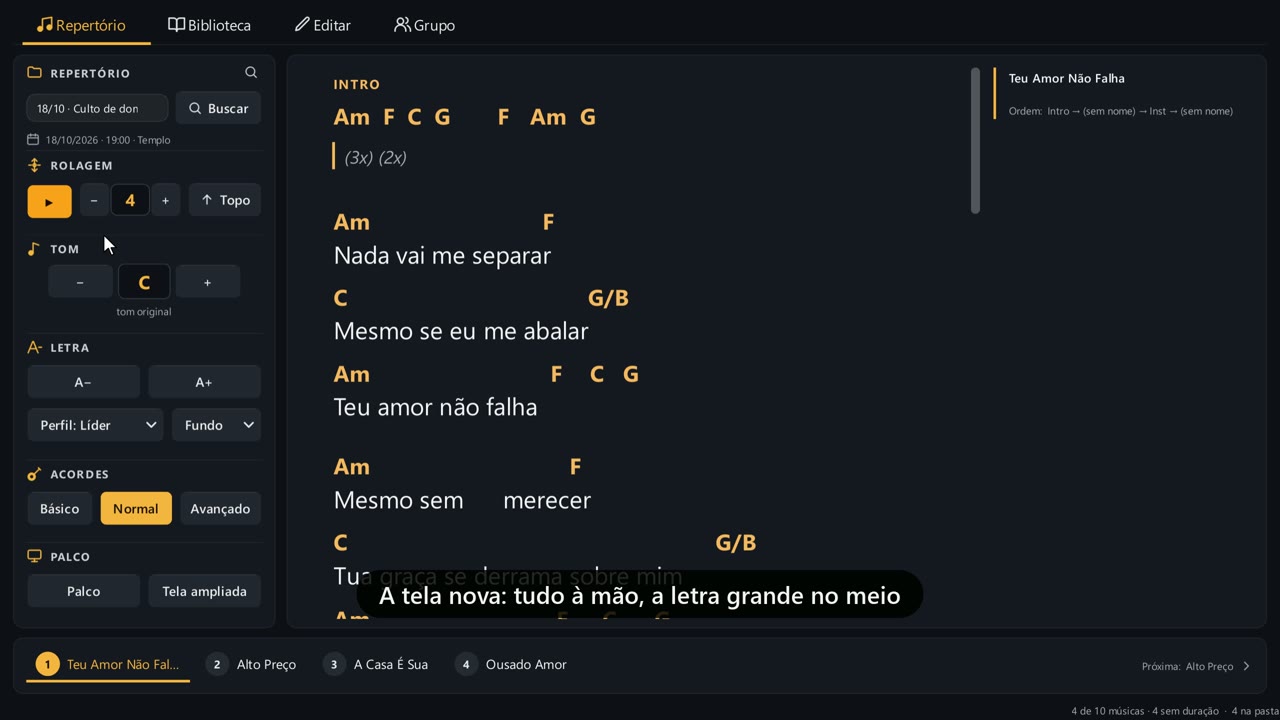
OZNI Chords on the computer: the setlist on the left and the large lyrics with chords in the middle
The program screen, with large lyrics in the middle. Tap to watch the video (54 s).

On the computer (Windows program):

  • Service setlist with date, time and place; numbered songs below; drag to change the order.
  • Auto-scroll with speed control, instant key change, large lyrics and a dark, black or white background.
  • Basic, Normal or Advanced chords; click a chord to see it drawn on guitar, bass and keyboard.
  • Audio player for rehearsals, with the song's BPM.
  • Library: chord sheets from the computer, the website and the group; select several and add them at once.
  • Enlarged screen and Stage mode, for playing.
  • Group: the leader publishes the setlist and the musicians receive it.
  • 30 days to try.

How to install OZNI Chords on Windows

  • Version: 1.1.2
  • Size: 45 MB
  • Requires: Windows 10 or 11, 64-bit
  • Release date: 03/11/2026
  1. Click Windows, under OZNI Chords, above: you get a .zip file.
  2. Open the downloaded zip and double-click the installer inside it (OZNI-Cifras-…-Setup.exe).
  3. If you see "Windows protected your PC", click More info and then Run anyway: it's a new program, not yet digitally signed.
  4. Open OZNI Chords. The chord sheets are kept in Documents\OZNI Cifras (you can change this in the library menu).

30 days free to try. After that, a serial number is needed (one per computer). To check that the installer (the .exe inside the zip) has not been changed, its SHA-256 fingerprint:

352dcff4a4967c48bb81d8431c04c2050f859804e869408b0768936fc333175f

OZNI Chords online

Use OZNI Chords without downloading anything: open it in the browser on your computer or phone.

How to use OZNI Chords online (in Portuguese)

OZNI+VS NEW

Windows, Android, iPhone and iPad · pads and multitracks

For rehearsals and live playing: the song's tracks with click and guide, and a pad in the key of the song, with effects.

Learn more
  • Layered pads in the chosen key
  • An effects page for the pad
  • A track mixer for rehearsals
  • Two versions: full or Compact

OZNI+VS full: the multitracks and D-MIX, which splits a song into tracks. Compact: multitracks only, lighter, ideal for laptops.

Version 1.0.2 · Windows 10 or 11, 64-bit

On Android phones: the OZNI+VS app is under review on Google Play. Meanwhile, you can download it directly from here. As soon as it is approved, it will also be on Google Play.

On iPhone and iPad: install Apple's TestFlight app from the App Store, then tap OZNI+VS iPhone and iPad above. The app is under review by Apple; if it says the beta is not accepting testers, try again in a few days.

How to install on Android
  1. Tap OZNI+VS Android above and download the .apk file.
  2. Open the downloaded file: from the download notification or the Downloads folder.
  3. If the phone asks, tap Settings and allow installing apps from this source (your browser). Go back and tap Install.
  4. If a Play Protect warning appears, tap More details and then Install anyway.

Option names may vary slightly from phone to phone. The warning appears for any app installed outside Google Play; it is normal. The file is the same app submitted to Google Play, built and signed by us: no viruses and no ads. To check the file, its SHA-256 is b4ca4a14a86353422a97d0b68a6e20a805aa00533eccced708756cbf524200f5.

OZNI+ Spectrum NEW

Android and iPhone · spectrum analyzer

For the band's sound: see the spectrum of the microphone, the audio interface or a file, and find what is fighting on the mixer.

Learn more
  • Spectrum from 20 Hz to 24 kHz, held peaks and L/R level
  • Problem ranges: rumble, mud, feedback, sibilance
  • Band mode: each instrument's region and what to do on the mixer
  • In English or Portuguese

Version 0.2.0 · Android 7 or newer, or iPhone with iOS 16.4 or newer; landscape. Uses the phone's microphone, a headset microphone or an audio interface on the USB-C port. Nothing is recorded or sent.

On Android: the app is being submitted to Google Play. Meanwhile, you can download it directly from here. The Windows version comes next.

On iPhone: tap OZNI+ Spectrum iPhone above and download it from the App Store.

How to install on Android
  1. Tap OZNI+ Spectrum Android above and download the .apk file.
  2. Open the downloaded file: from the download notification or the Downloads folder.
  3. If the phone asks, tap Settings and allow installing apps from this source (your browser). Go back and tap Install.
  4. If a Play Protect warning appears, tap More details and then Install anyway.

The warning appears for any app installed outside Google Play; it is normal. The file is the same app submitted to Google Play, built and signed by us: no viruses, no ads, and the only permission it asks for is the microphone. To check the file, its SHA-256 is 9eac2de1c0159e8cb09408dae6afda56fcbbb1288fad20304dfc00f6662eb6c7.

OZNI+ Spectrum: why see the sound

It shows the frequency of the problem your ear notices.

Every sound is made of frequencies: the lows give weight, the mids give body, the highs give brightness. In a band, each instrument has its own region, and sound problems start when two things fight for the same region. The ear notices that "it got muddy", "it's harsh" or "the bass disappeared", but it does not say at which frequency. The spectrum shows it.

OZNI+ Spectrum draws the sound live, from 20 Hz to 24 kHz, on the scale the ear uses. With it you can see:

  • Instruments fighting: kick and bass in the same place, the voice covered by the guitar, keys on top of the electric guitar. Band mode shows each instrument's region and suggests what to do on the mixer.
  • The most common problems: rumble, mud, mains hum, feedback, vocal sibilance. The problem ranges point to the region, and the card says how it sounds, how it looks on screen and what to do.
  • The real level: peak and RMS in dBFS, left and right channels, with held peaks to catch the clip that went by fast.
  • The sound of a recording: open a file and see what it has; compare it with what comes out of the mixer.

It is for whoever runs the mixer at church or at rehearsals, for home recording, and for anyone learning to listen. It helps you connect what your ear notices to the knob on the mixer that fixes it.

  • Version: 0.2.0 (Android and iPhone)
  • Size: 71 MB
  • Requirement: Android 7 or newer or iPhone with iOS 16.4 (App Store), landscape; microphone, headset microphone or USB-C interface
  • Privacy: no account, no internet; nothing is recorded or sent (policy)

Questions

Is OZNI free?

Yes. OZNI is educational, free and has no ads. The computer programs are 30-day trial versions. To update, you need to rate the programs.

Who is OZNI for?

For people who study music: students, teachers, musicians and worship teams who want to understand and play the songs they hear.

Windows said it protected my PC. Is it safe?

It's a new program, not yet digitally signed. Click More info and then Run anyway. To check that the file has not been changed, use the SHA-256 fingerprint shown for each program.

Which devices does it run on?

OZNI Music: iPhone, Android 7.0 or later and Windows 10 or 11 (64-bit). OZNI Chords: Windows and any browser, on the computer or the phone.

How can I help OZNI?

By using it and telling us what you think: send a comment. OZNI is still being tested, and every suggestion helps.